Map
See venues on a map to spot tournaments near you, and open directions in Google Maps. Choose an overseas area to see tournaments on a world map.
Open the map →The story behind the Junior Golf Tournament Calendar, and how to use it from finding a tournament to entering and the day itself.
Junior golf tournaments in Japan are announced in different places at different times, depending on the organizer. Dates are on an association’s website, entries on an entry site, and results on yet another page. By the time you notice, entries may already be open, and popular tournaments can fill up within minutes.
We wanted to enter, but we missed it.
We built this site to make that happen to fewer families.
Among parents, those who know the tournaments well often share tips with friends. But as children grow and move on to the next stage, parents’ attention moves on too, and what they learned is rarely passed down. Every year, new families get lost in the same places.
So, talking it through with parents of junior golfers, we decided to build up that knowledge in one place. We collect tournaments in Japan and abroad that elementary and junior high school students can enter, and check when, where and by whom each is held, and when entries open and close, against the organizers’ official information. What we don’t know, we leave as “TBA” rather than guessing.
A tournament is a place where children decide for themselves to take on a challenge. Whether it’s a first event or a national final, we hope every child finds their next step, and that the parents who support them have a little less to worry about. That’s why we update the information every week.
Junior Golf Tournament Calendar team
Enter your child’s school grade and prefecture. The level and area are chosen for you, and you’ll see whether your child is likely eligible. It’s optional and stays on your device.
Browse the map, the lists or the entry calendar. Tap a tournament name to see the entry period, venue and the organizer’s official page.
Add tournaments you’re interested in. Entry openings, deadlines and tournament days line up under “To do”, so you won’t miss an entry.
See venues on a map to spot tournaments near you, and open directions in Google Maps. Choose an overseas area to see tournaments on a world map.
Open the map →Tournaments are sorted by date under Upcoming, Entry open, Dates TBA and Past. Filter by level (elementary or junior high), area (region or country) and type of organizer.
Find tournaments →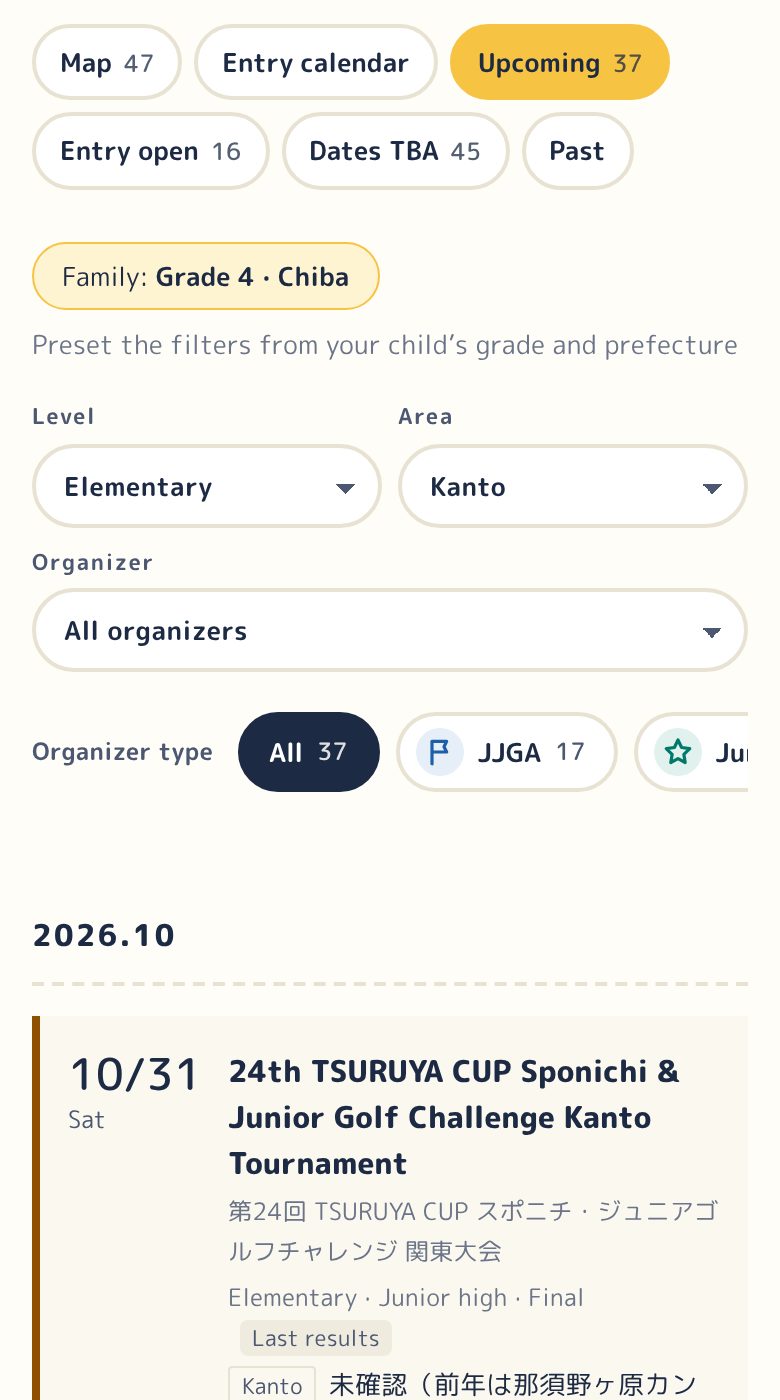
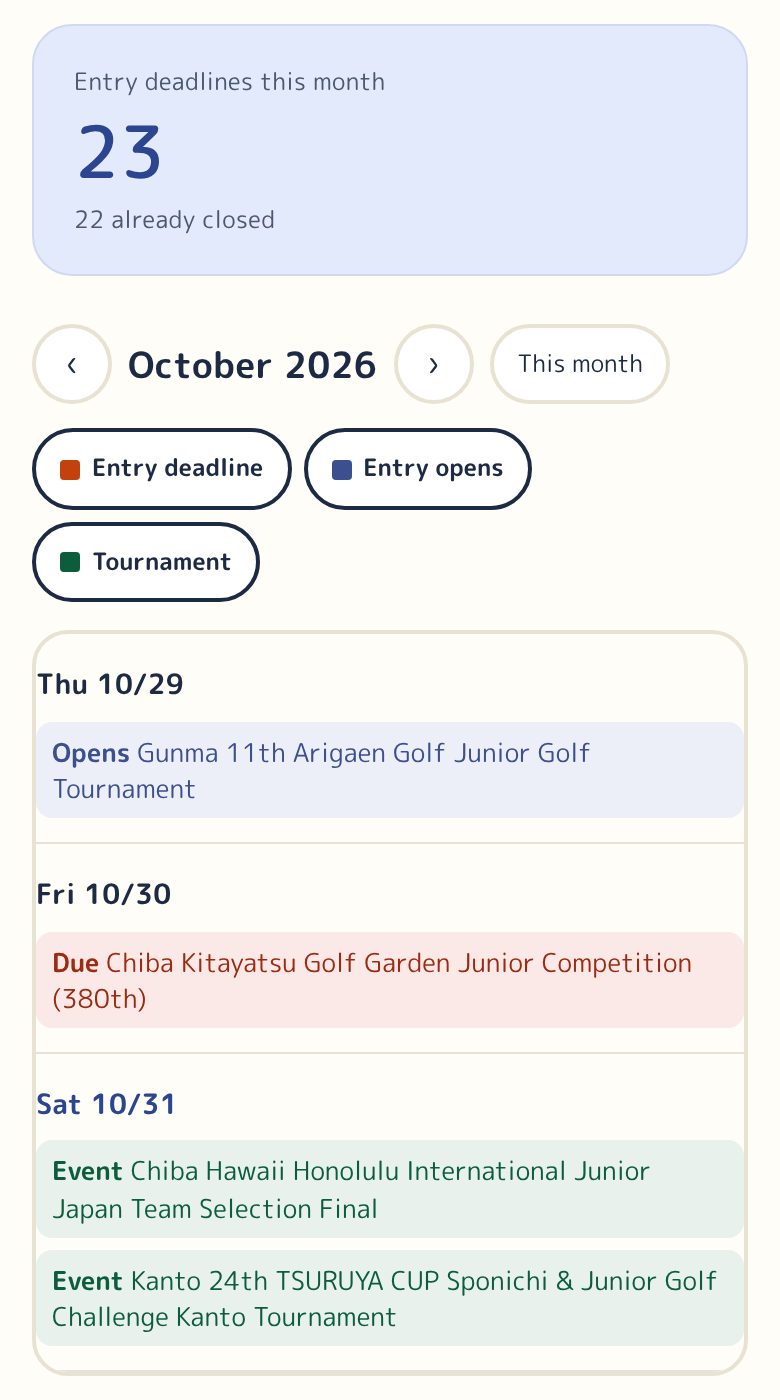
See entry openings, deadlines and tournament days on a monthly calendar, with this month’s deadlines listed by date.
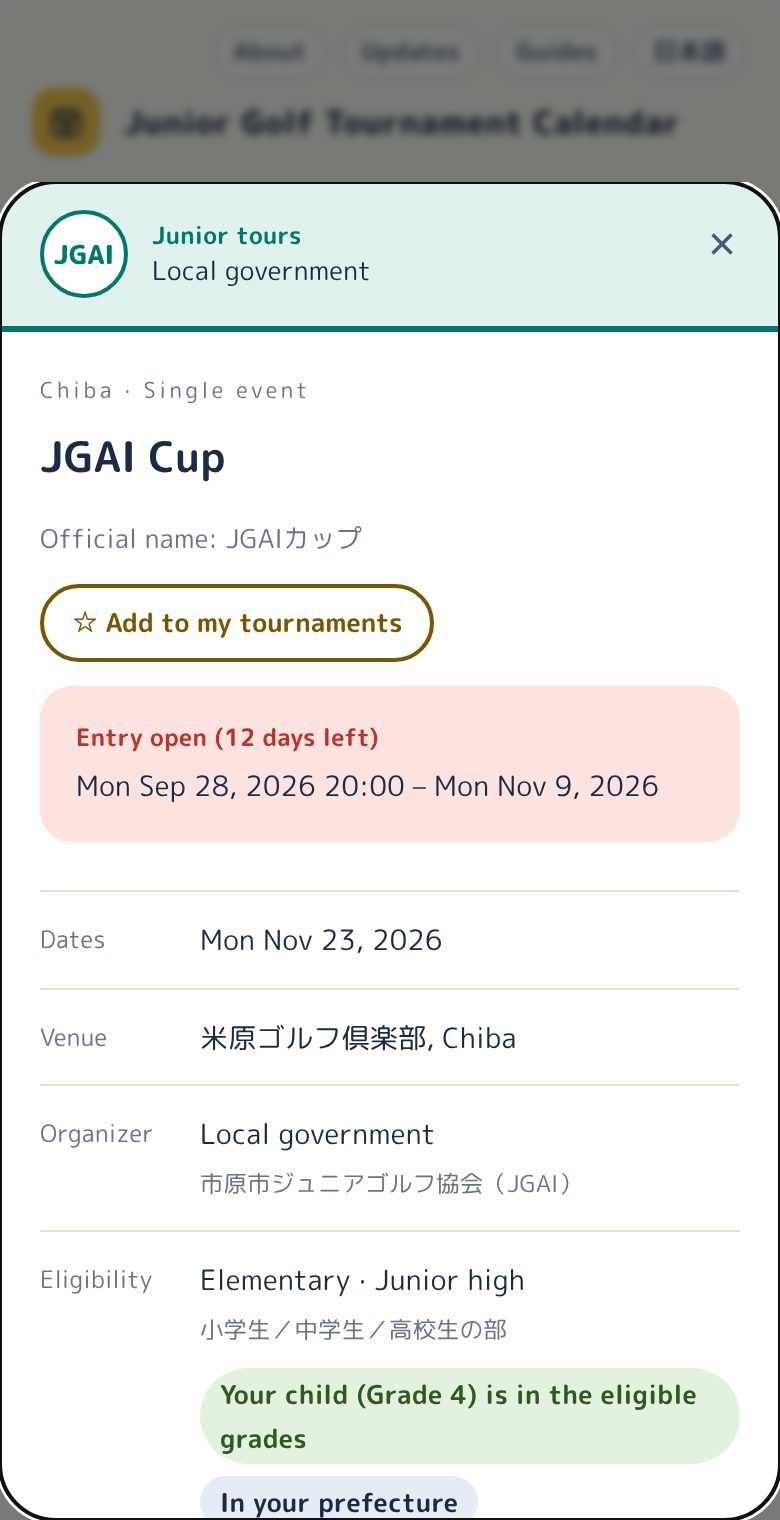
Entry period (with opening time and first-come or lottery where known), dates, venue, organizer and eligibility on one sheet. You’ll also see whether your child’s grade is likely eligible, a link to last year’s results, and preparation notes such as caddies and carts. Add each tournament to your calendar from here.
See which qualifiers lead to national and world finals. Choose a grade and prefecture to see where your child starts.
See the routes →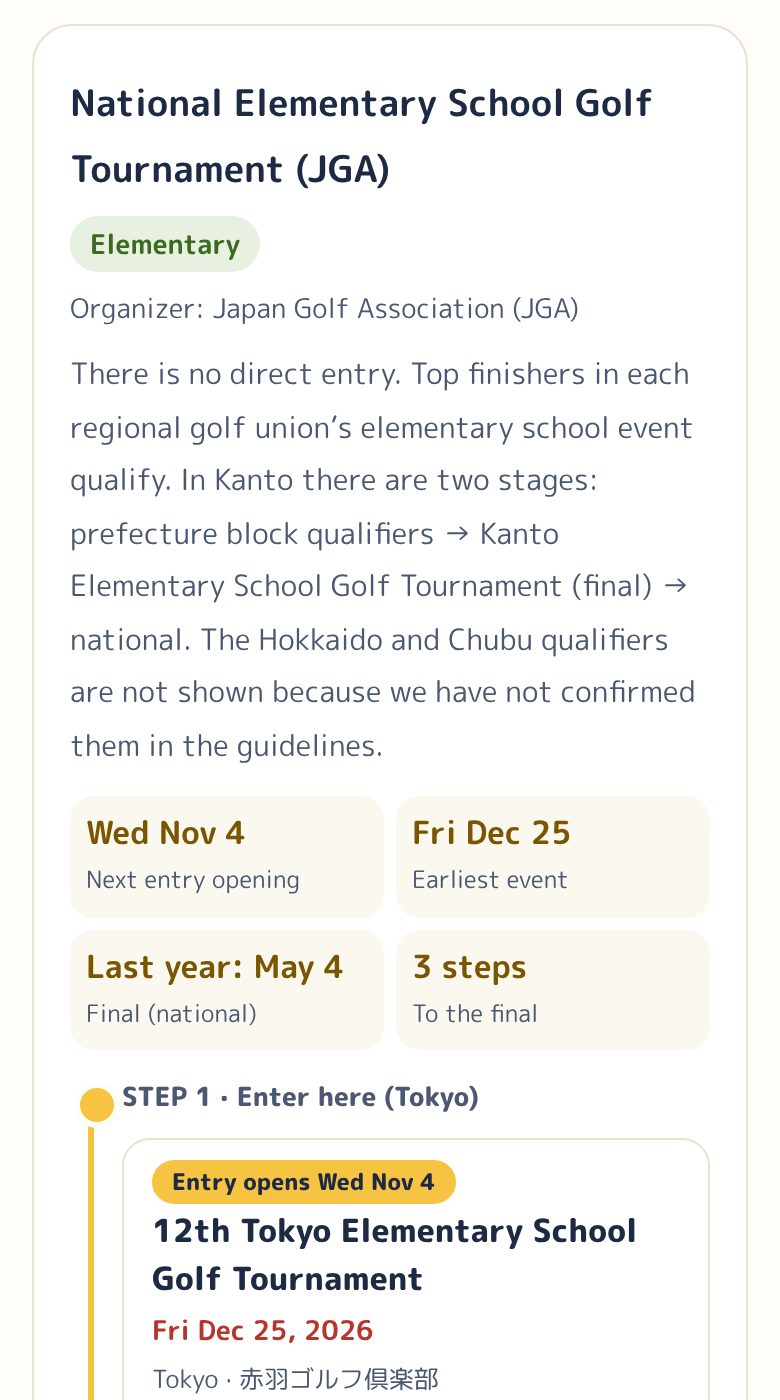
Newly announced dates, new tournaments, cancellations and results, grouped by day, plus tournaments whose entries open soon.
See updates →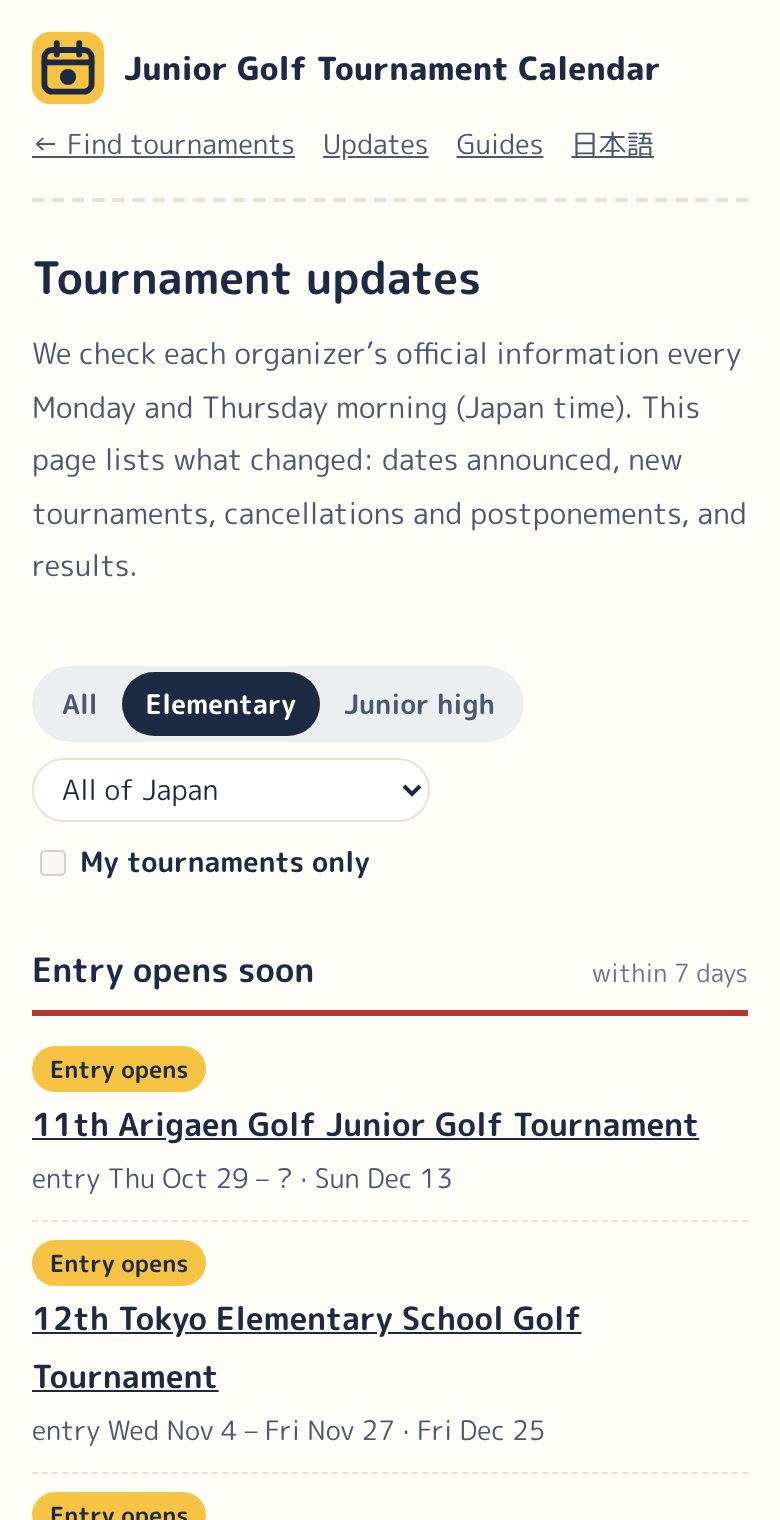
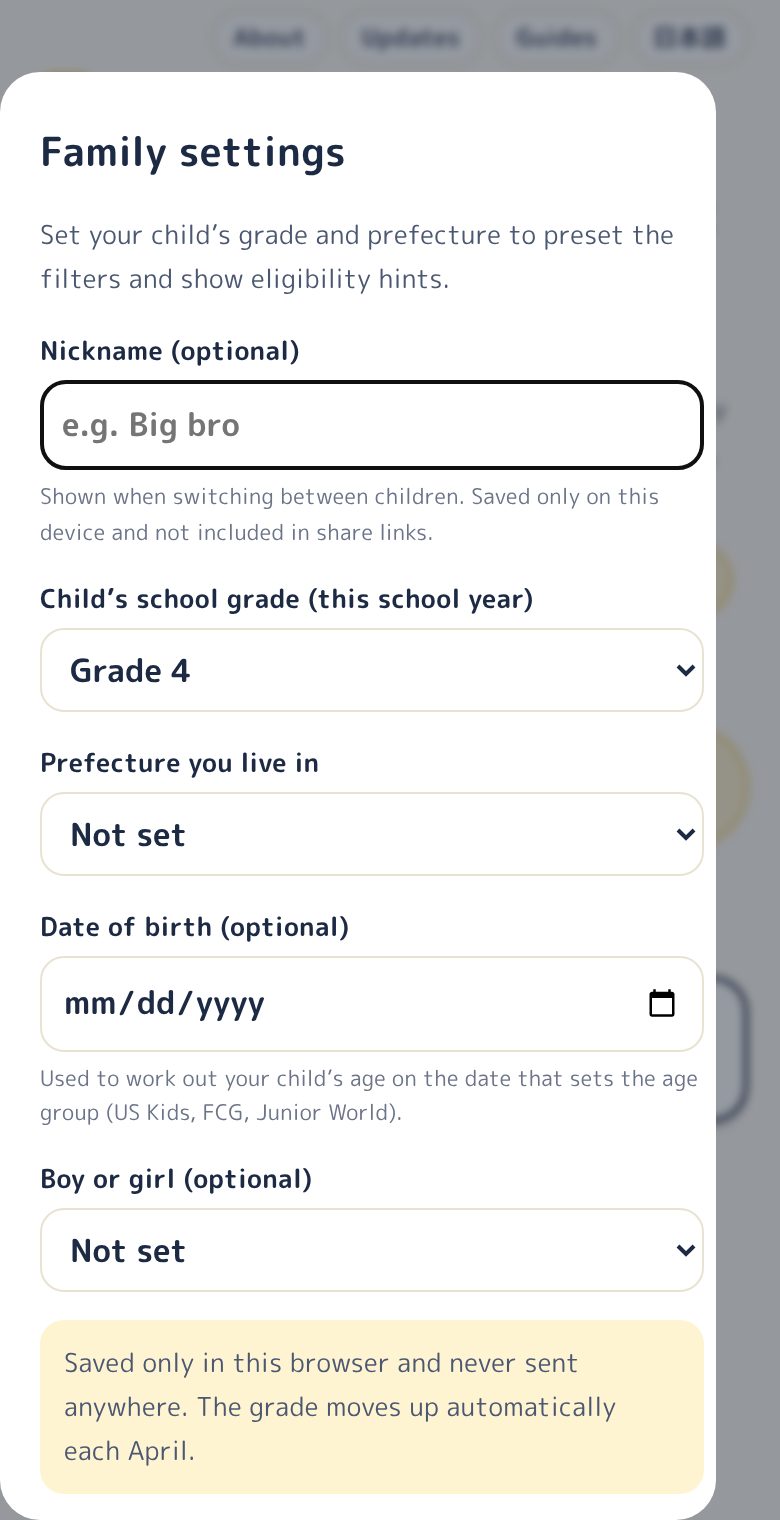
Grade, prefecture, date of birth and gender (all optional) set the default filters and the eligibility guide. The grade moves up automatically in April.
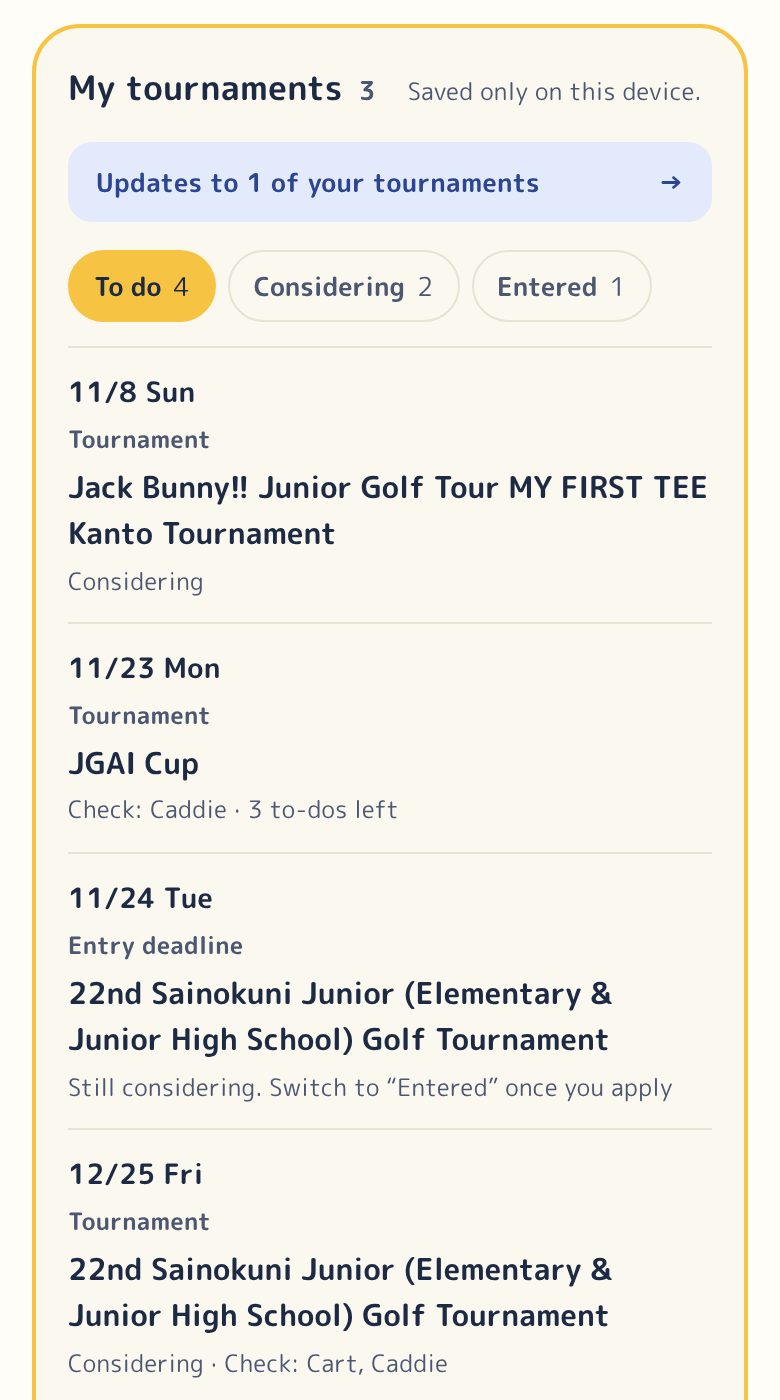
Track tournaments as Considering, Entered or Awaiting lottery. “To do” lists entry openings, deadlines and tournament days in order, and warns you about events on the same or back-to-back days. Keep a checklist and notes for payment, practice rounds and rules.
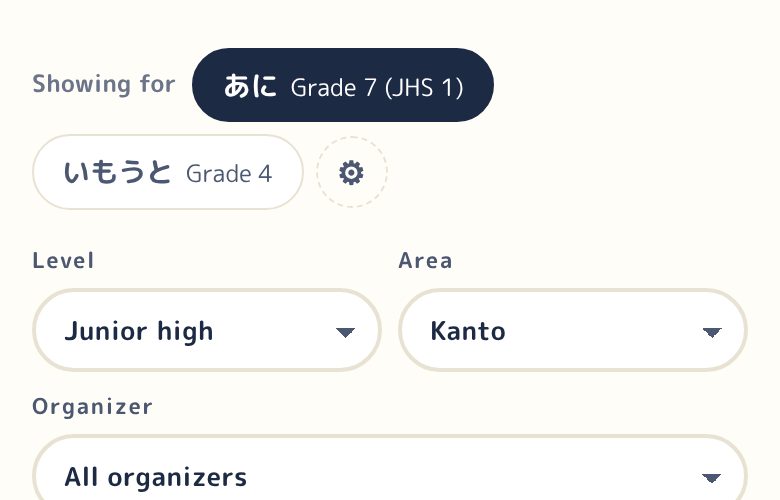
Add a sibling and switch with “Showing for” at the top. Each child gets their own filters and tournaments.
“Family” copies everything to a family member’s phone. “Friends” sends only the tournaments you entered, and your friend sees “… is entered too” in their list. Nothing is sent to our server; you share a link through LINE or any app.
Growing through golf, your first tournament, caddying and the cart, distance by age and choosing clubs, based on official materials and research.
Read the guides →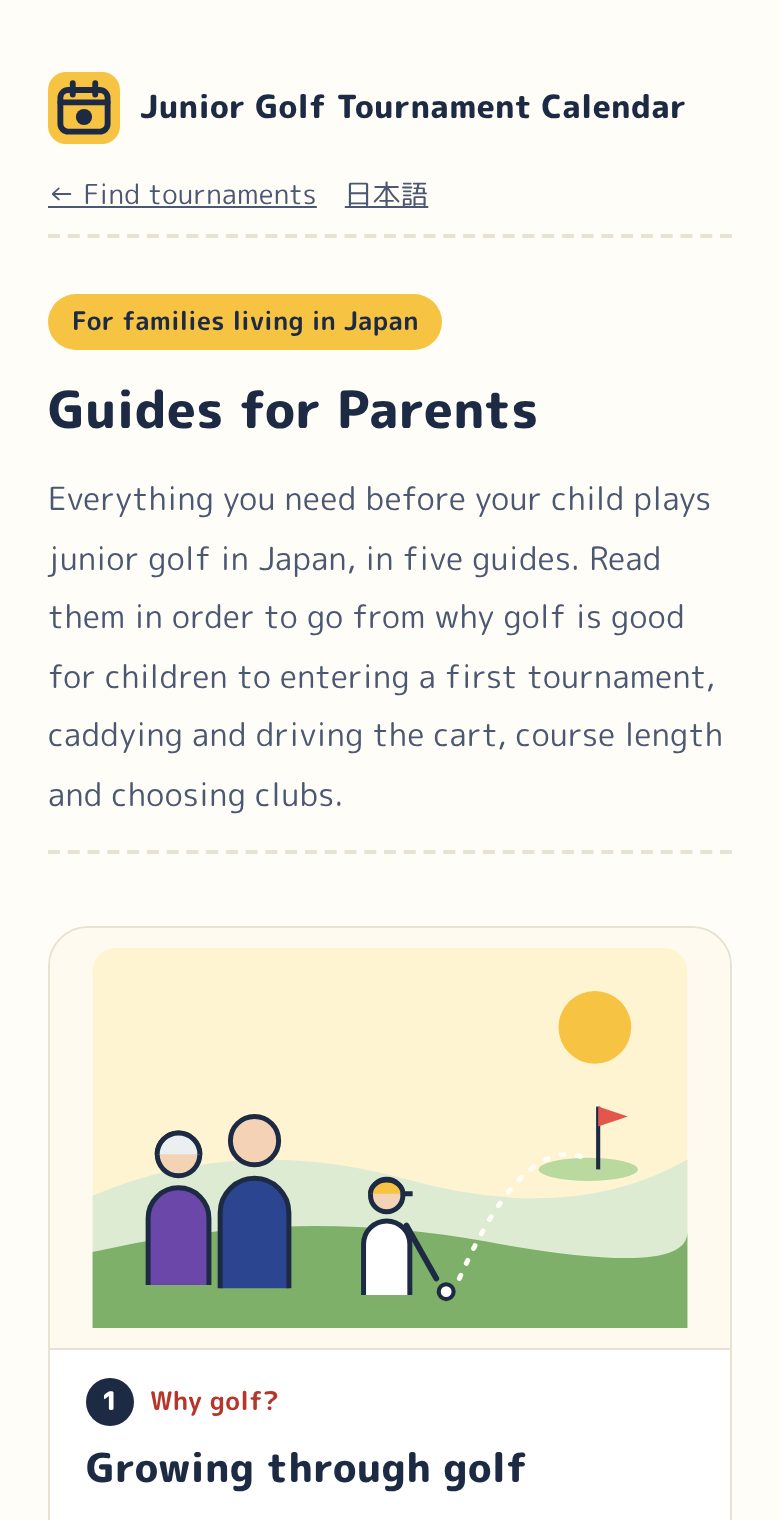
Know a tournament we’re missing? Tell us through the form. We add it once we can confirm it with the organizer’s official information.
Suggest a tournament →Every listing is checked by hand, like this:
We read the websites of prefectural and regional golf associations, school golf federations, organizing companies and golf courses, plus tournament guidelines and entry sites (about 280 sources), and copy the dates, venue, eligibility and entry period.
We check on Monday, Tuesday, Thursday and Friday mornings. Tournaments whose entry opens or closes soon, or whose dates are due to be announced, are checked first.
Anything the guidelines don’t say stays blank. Tournaments without announced dates are marked “dates TBA”, and last year’s dates are labeled as last year’s.
Each tournament shows the date we last checked its official page. Announcements, cancellations and results are listed by date on the updates page.
Please tell us through the information form. We fix it after checking the official source.
We list what we can confirm on the organizer’s website, guidelines or official account. Always check the official guidelines before entering.
What hasn’t been announced stays “TBA”. When we show last year’s information, we label it as last year’s.
Your child’s grade and plans are saved only on your device. We don’t handle names, scores or photos.
No sign-up needed, and free to use. We’re looking for supporters (individuals, companies and organizations) to help keep the site going.
We’re looking for supporters to help keep this site going.
Ask about becoming a supporter